The question “Should we use ChatGPT, Claude or Copilot?” sounds like a software purchasing decision. In practice, the better first question is: What do your people need to do more confidently on Monday morning?
A recruitment team might want to summarise role briefs. An office manager might need clearer reports. A leadership team might want better questions for planning meetings. The training should start there.
What each tool brings to the conversation
ChatGPT is a broad conversational AI environment useful for drafting, analysis, structured thinking and working across many kinds of tasks. Business subscriptions have different organisational controls from consumer use.
Claude is another general-purpose assistant and can be a useful fit for document-heavy tasks, careful drafting and iterating through complex information. Suitability depends on the workflow, chosen plan and integration requirements rather than a blanket claim that one model is ‘best’.
Microsoft Copilot is especially relevant for organisations already using Microsoft 365. The available features and access to organisational content vary by licence and the specific Copilot product. Microsoft’s own documentation distinguishes enterprise-protected Copilot Chat from paid Copilot capabilities integrated more deeply with work data.
A training session people actually use
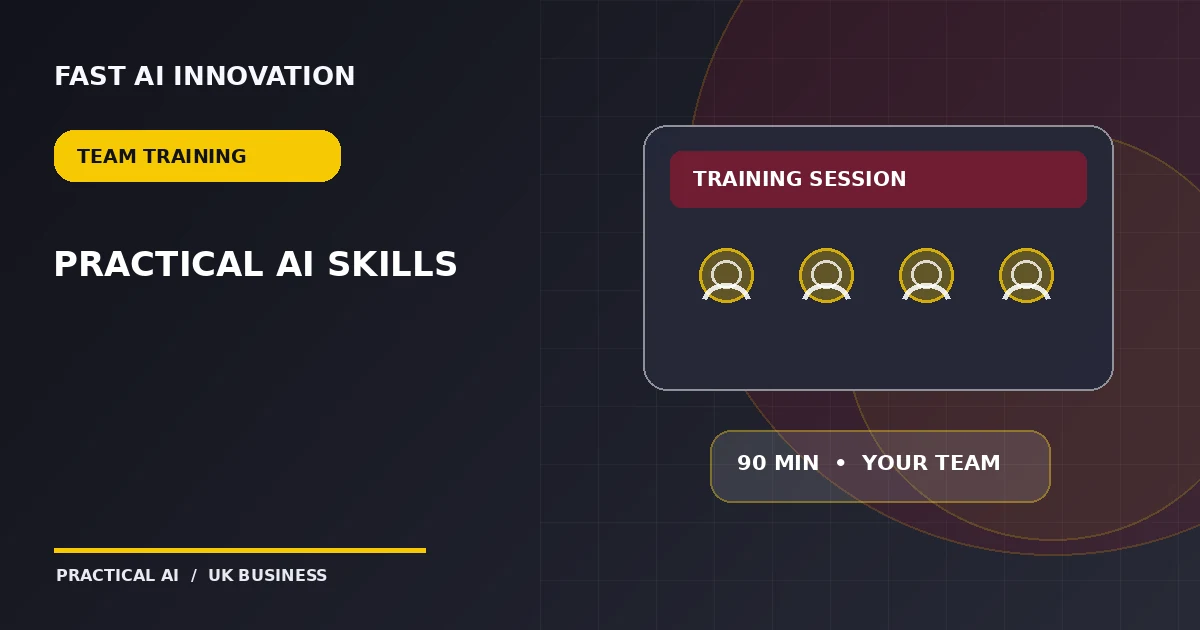
For a standard 90-minute group session, we would structure the work around examples rather than lectures:
- First 15 minutes: identify repetitive tasks and the difference between an instruction and a useful brief.
- Next 25 minutes: take an imperfect piece of information and produce a clear draft, summary or action list.
- Next 25 minutes: practise improving the result with context, constraints, examples and verification.
- Next 15 minutes: test errors, misleading outputs and situations that must go to a person.
- Final 10 minutes: agree one repeatable workflow each attendee can use.
Do not skip data handling
Before staff paste a real customer email or personnel record into an AI tool, check the organisation’s policy, product plan, data-processing terms and access controls. Microsoft and OpenAI document specific business-data commitments; those should be evaluated alongside your own retention and privacy obligations. Do not assume every consumer account has the same guarantees as an enterprise service.
Why dedicated departmental training is different
A public course has to use broadly relevant examples. A dedicated session can focus on the language, documents and approval steps of your particular business or department. For example, an operations team can practise turning messy meeting notes into an action tracker, while a sales team can work on discovery questions and proposal structures using non-confidential sample data.
At Fast AI Innovation, standard group learning is £49 per seat for 90 minutes. Reserving 10 seats for £490 provides a private two-hour session for your business or department, including an extra 30 minutes. Larger groups can add seats up to 15. Dates and availability are confirmed after registration of interest.
Measure behaviour, not enthusiasm
After training, ask participants to show one task they can perform more consistently, explain where output needs checking and identify what information they must not enter. A useful course changes working habits; it is not measured by how many prompts were demonstrated.
References and further reading
Want help making this work in your business?
Our AI Growth Managers do the hands-on work with you, in hours and days, not months.
- Free 20-minute call Talk through your idea or challenge with a real person.
- One-to-one session · £300 One hour to learn, build or automate something useful.
- AI sprints from £1,000 Four hours, a full day, or a zero-to-one launch.